Page-editor apps
Get the ExtensionAbout
1. What problems and challenges does the extension solve?
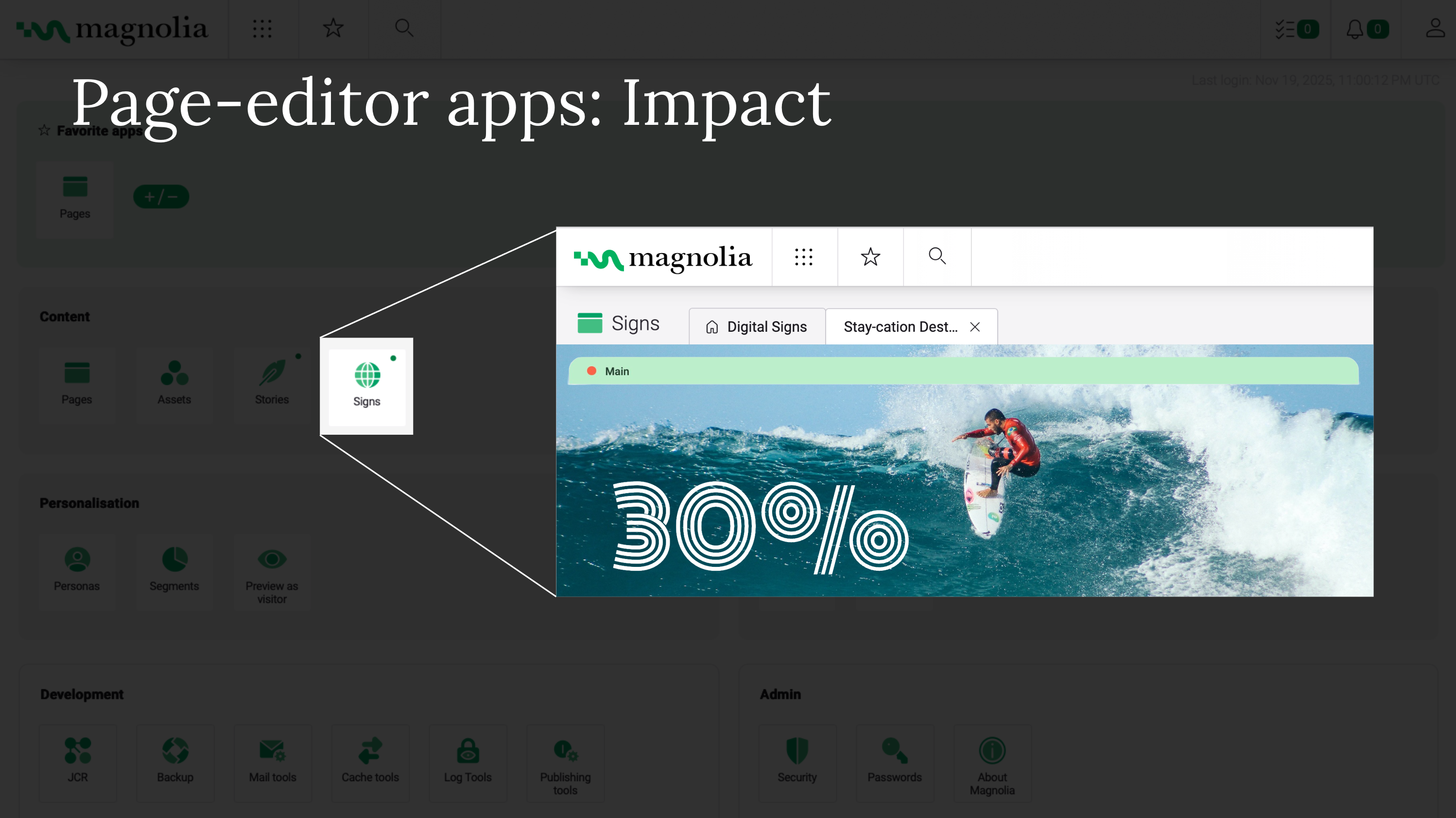
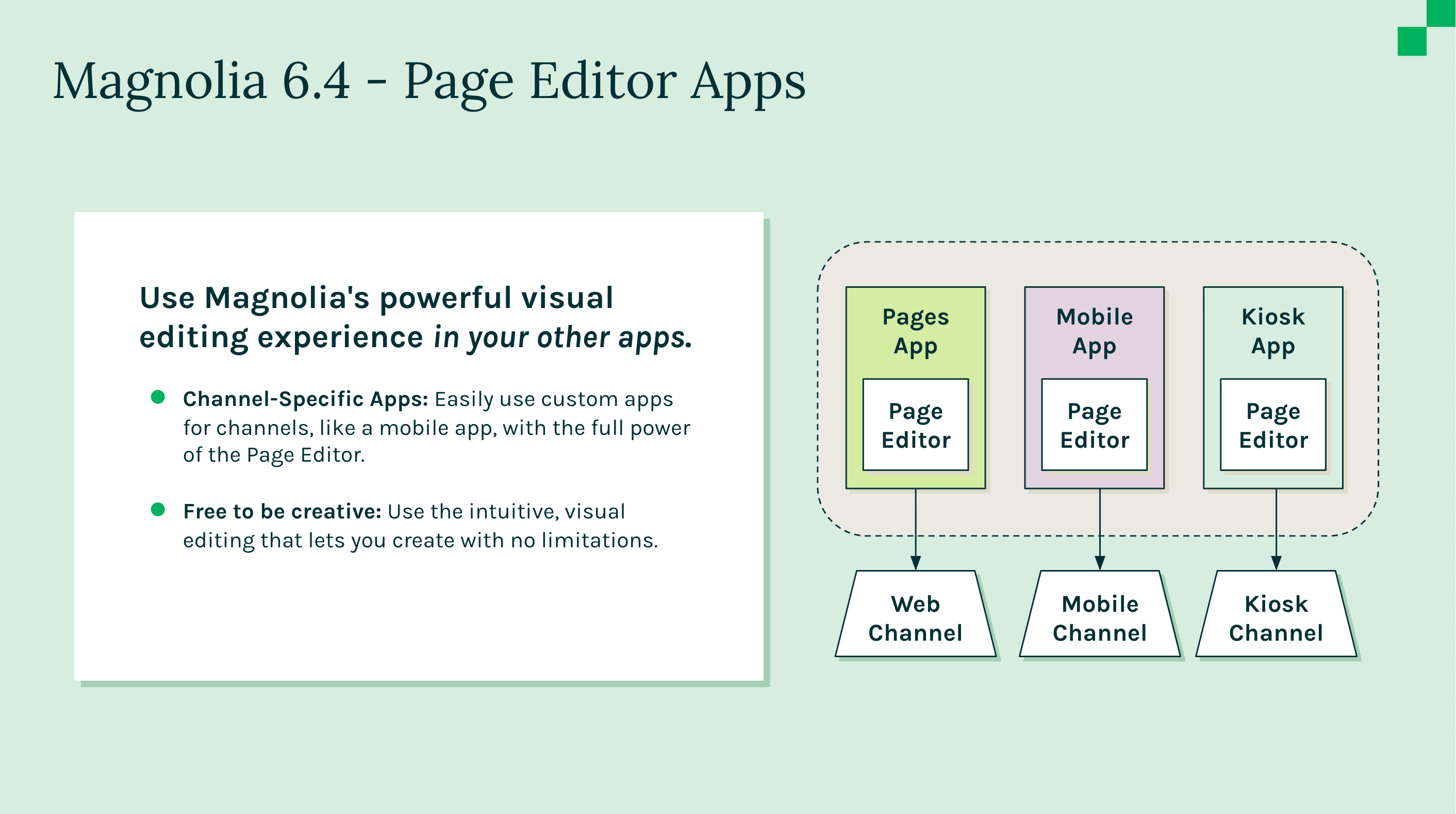
Managing multiple channels (like IoT, blogs, digital signage, extranets) in the "Pages" app can be confusing and unintuitive for authors. The standard Pages app list may not provide the right data for specific roles (e.g., SEO experts needing specific metadata columns).
2. What are the benefits?
- Easier channel management: Dedicated apps for each channel (e.g., Mobile, Kiosk) make the system more intuitive.
- Simplified UI: You can limit app visibility so authors only see the channels relevant to them.
- Organization: Helps group websites or content streams logically.
- Customization: Tailor the browser view (columns, filters, actions) to specific user needs without affecting the stock Pages app.
3. How does it work?
The extension allows you to provision custom apps that behave like the stock Pages app, including the Visual Page Editor and templating features. It enables the configuration of different columns, column orders, filtering tools, and actions for each specific app.
4. What are the most important 3-5 features?
- Create custom apps with Visual Page Editor functionality.
- Support for diverse channels (IoT, Headless, Digital Signage, etc.).
- Customizable browser views (columns, filters, actions).
- Role-specific app visibility and access control.
Publisher
MagnoliaLinks
Categories
Magnolia Version
- 6.4
- 6.3
Magnolia Edition
- DX Core
- DX Cloud
Price
- Free
Screenshots