Easy Forms
Get the ExtensionAbout
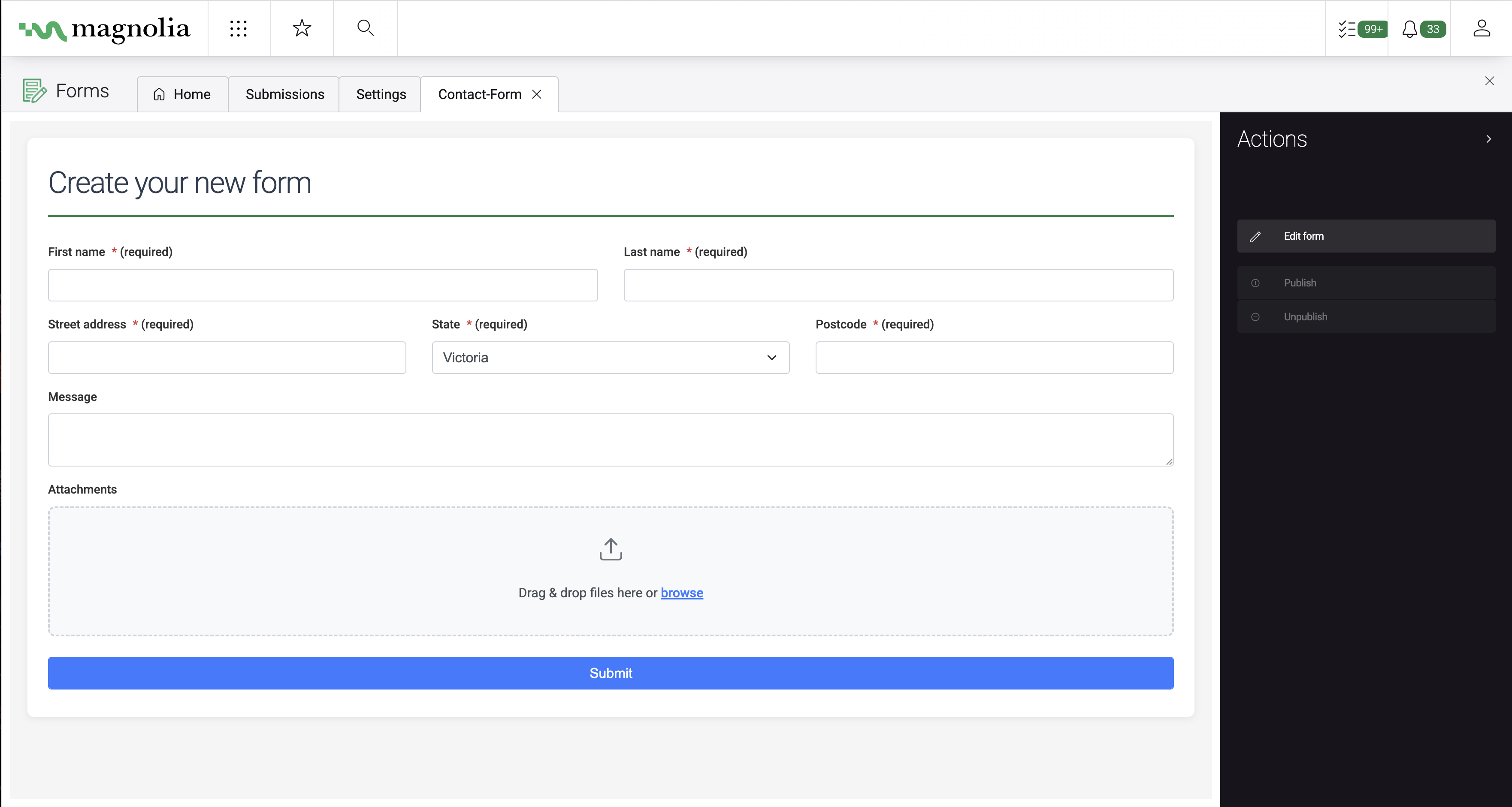
Traditionally, creating forms meant waiting on development cycles for every new signup or lead capture tool. EasyForms changes that by putting the power of form creation directly into the hands of marketers. Now, you can add fields, set up email notifications, or sync with Mailchimp instantly — no custom code or dev requests required.
What are the benefits?
- Launch forms yourself — Create and edit forms directly in the Magnolia page editor, no developer tickets needed
- Capture leads everywhere they go — Route submissions to your inbox, your database, and your Mailchimp list simultaneously
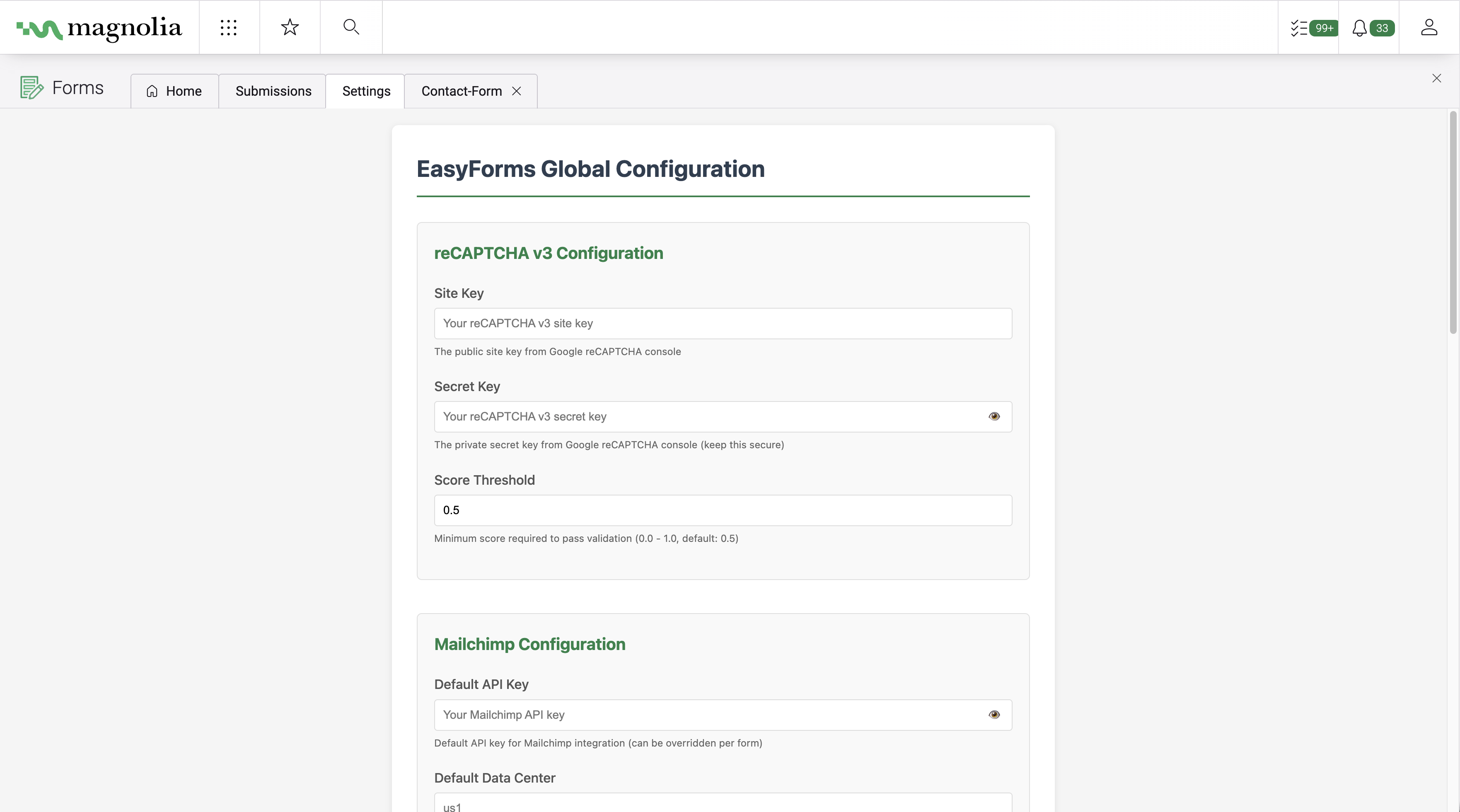
- Stay protected from spam — Built-in Google reCAPTCHA keeps bots out without annoying your visitors with CAPTCHAs
- Collect files from users — Accept document and image uploads right in your forms (resumes, photos, PDFs, etc.)
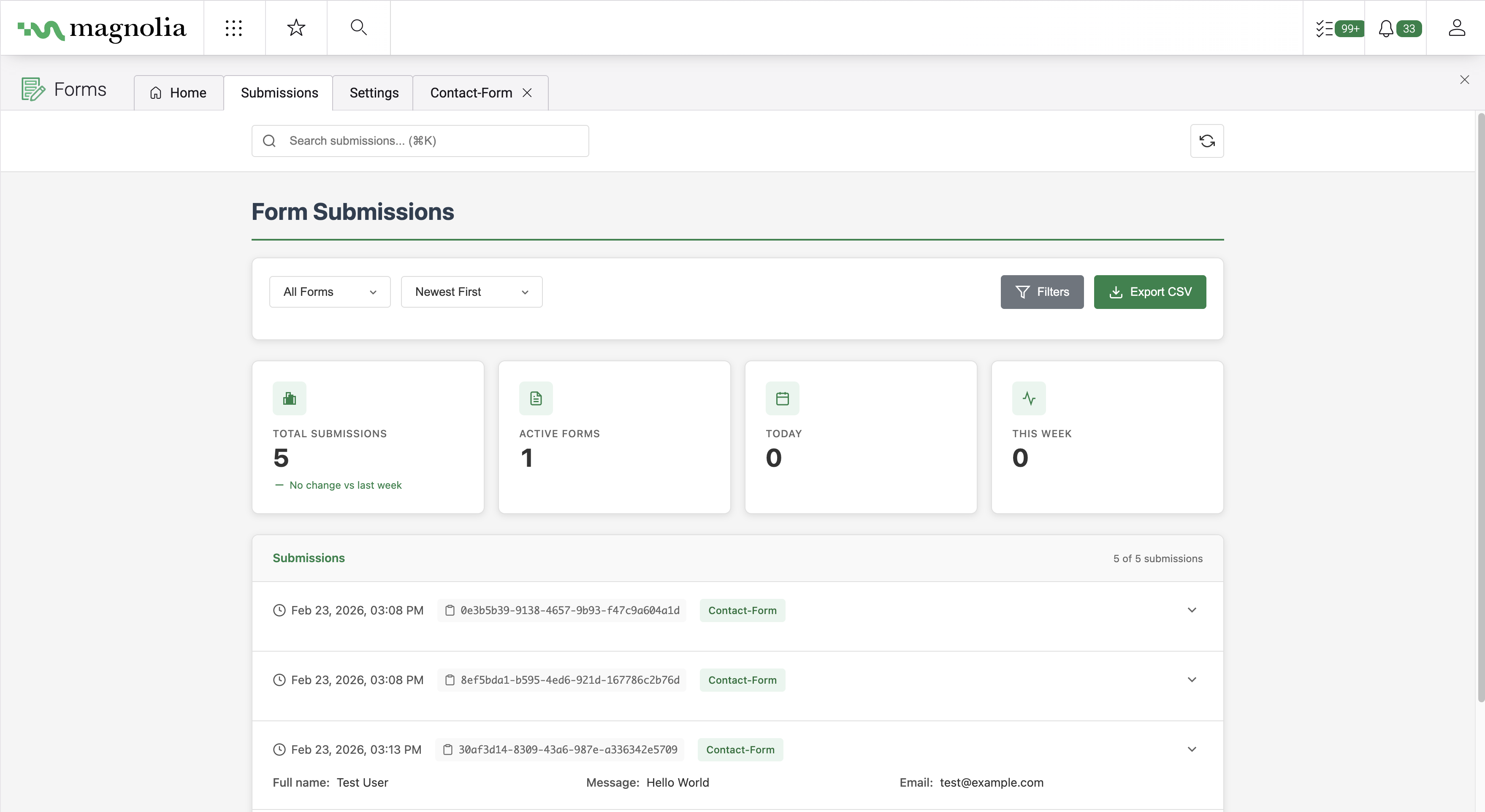
- See submissions instantly — A built-in dashboard lets you view and manage every form response without leaving Magnolia
- Accessible to all visitors — Forms meet WCAG 2.1 AA standards, so every visitor can complete them
How does it work?
- Build your form — Drag and drop fields (text, dropdowns, checkboxes, file uploads, etc.) onto any page in Magnolia's visual editor
- Configure what happens on submit — Choose to receive an email, store responses in a database, subscribe users to Mailchimp, or all three
- Publish and collect — Your form is live. Responses flow to wherever you configured them, and you can review everything in the submissions dashboard
Top 5 features
- Drag-and-drop form builder — Add text fields, dropdowns, checkboxes, file uploads, and more without writing a single line of code
- Email notifications — Get notified instantly when someone submits a form, with a clean, professional HTML email containing all their responses
- Mailchimp integration — Automatically add form submitters to your Mailchimp audience with support for merge fields and double opt-in
- File uploads — Let visitors attach documents, images, or PDFs directly through your forms
- Conditional fields — Show or hide fields based on what the visitor selects, keeping forms short and relevant
This extension is developed and maintained by Magnolia partner Noice. Should you need further information and assistance, please contact the developer.
Screenshots