Marketing Automation BSI Connector
Get the ExtensionAbout
What problems and challenges does the extension solve?
Connecting a website to a CRM system typically requires manual data exports, custom point-to-point interfaces, or duplicate data entry — all error-prone and hard to maintain. Marketing teams need forms that are always in sync with their CRM campaigns, without relying on IT for every change. The Marketing Automation BSI Connector eliminates this media disruption between Magnolia CMS and BSI CRM.
What are the benefits?
- No manual CSV exports or custom interfaces — form submissions land directly in BSI CRM
- Campaigns go live faster, with fewer errors, since fields and translations are pulled directly from the BSI story
- Full flexibility for complex forms while keeping data consistent with BSI CRM
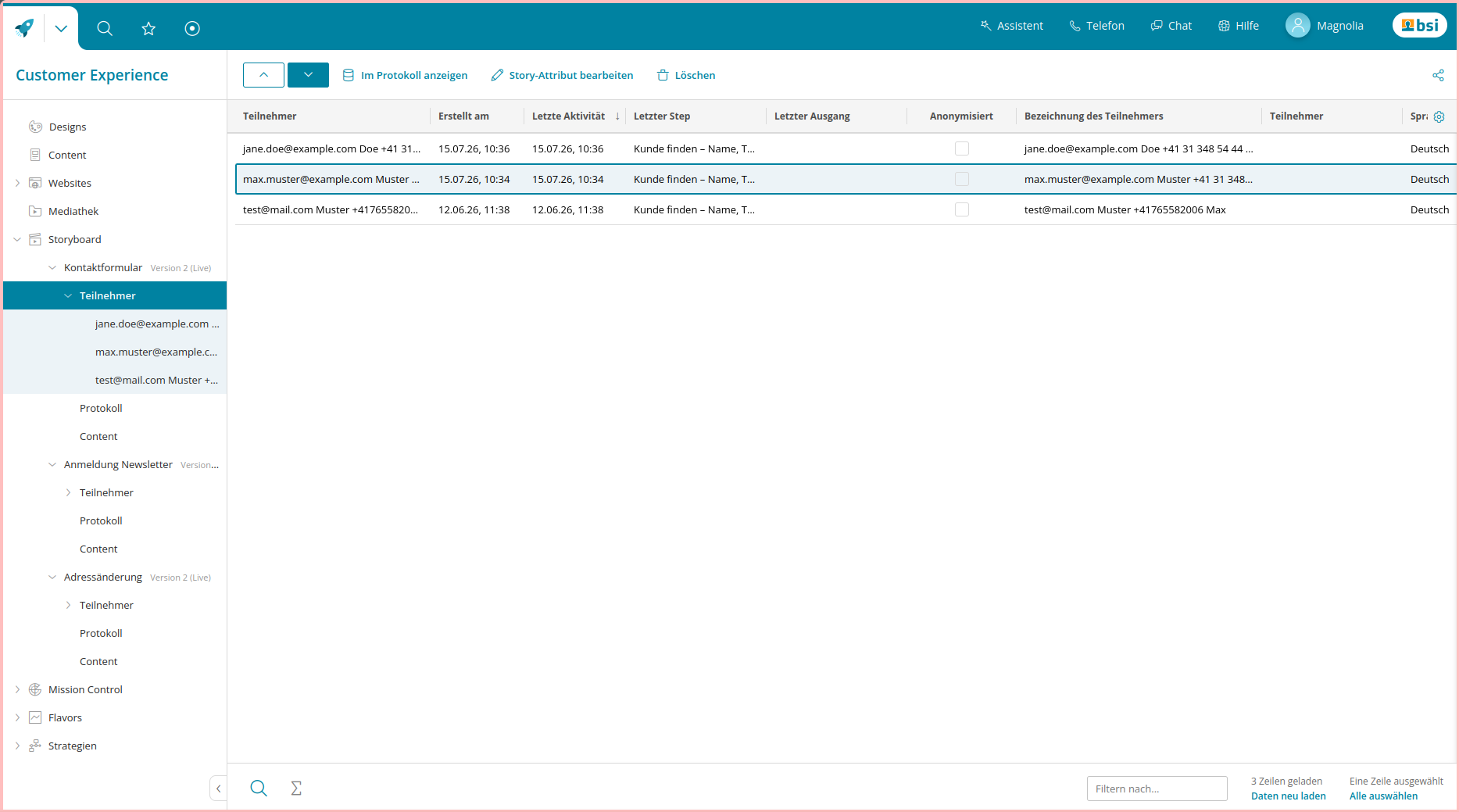
- Data stays where your team already works, ready for existing CRM workflows
How does it work?
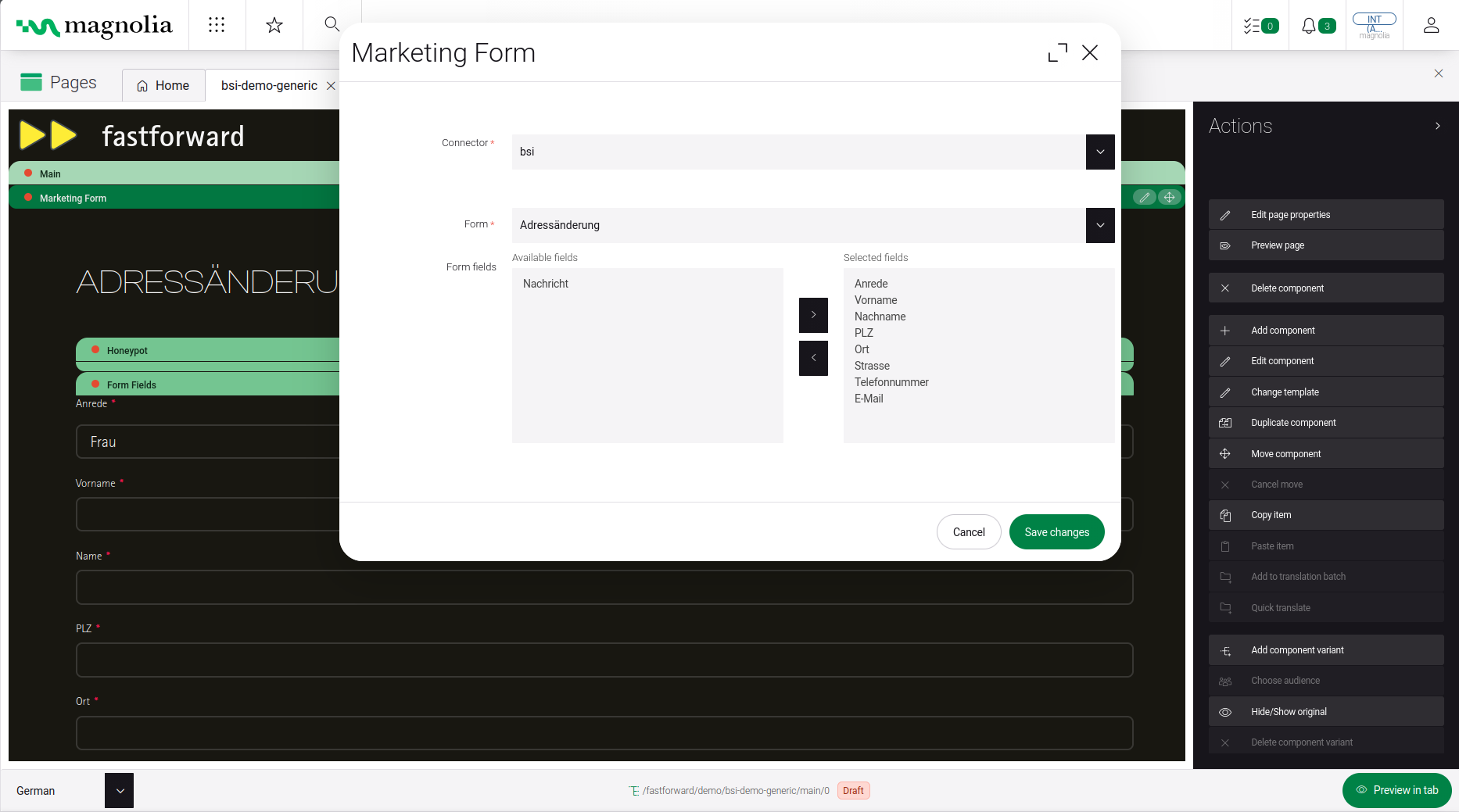
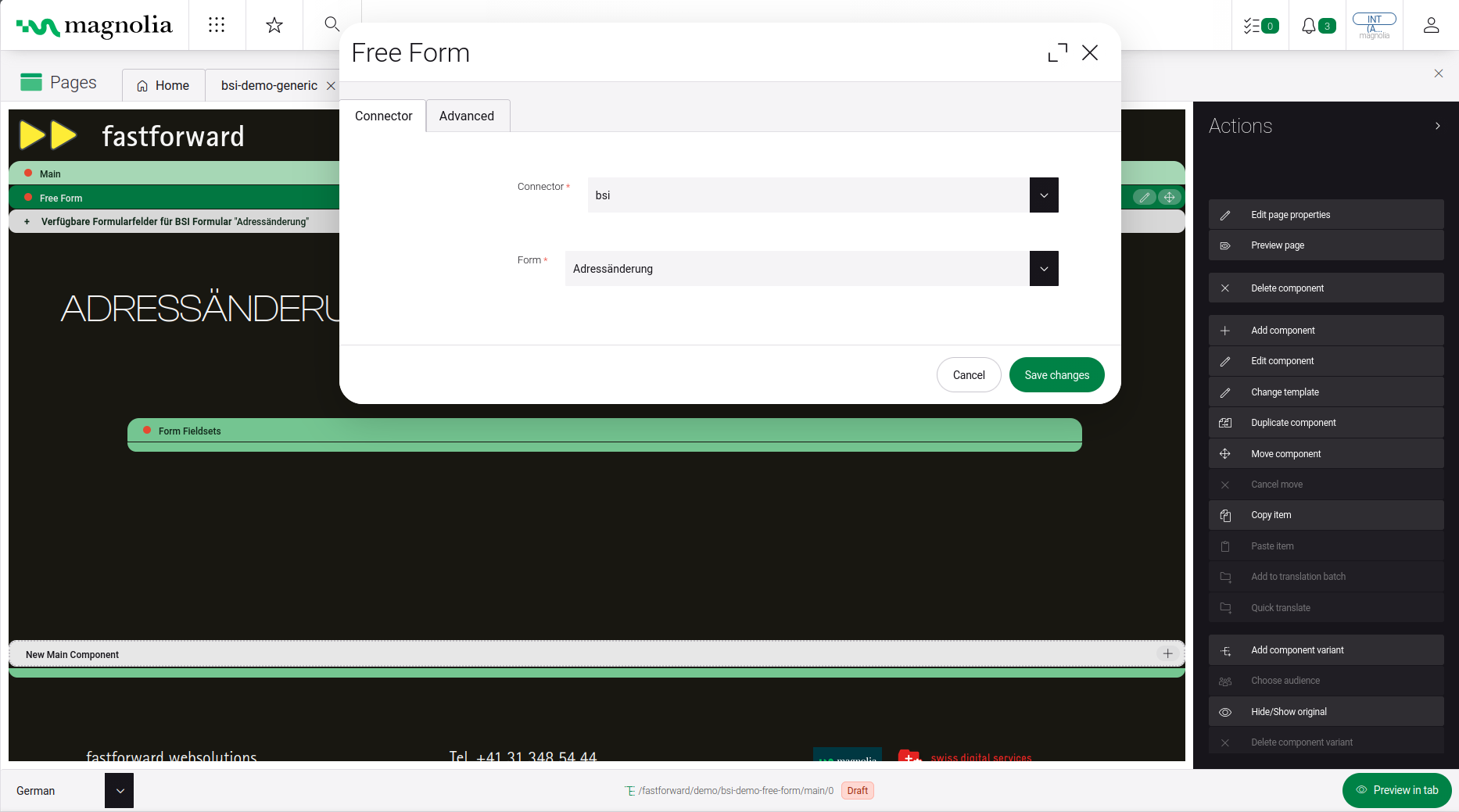
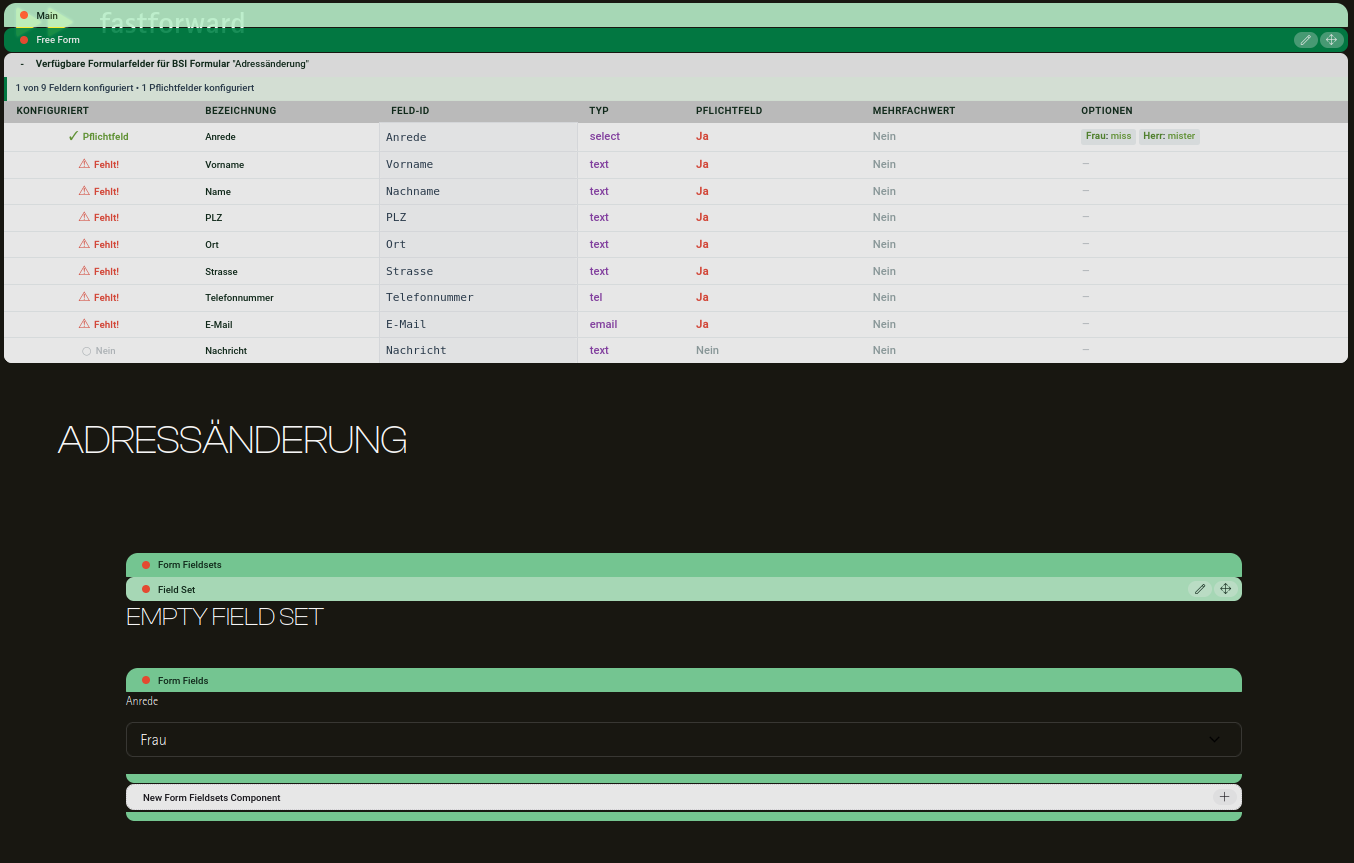
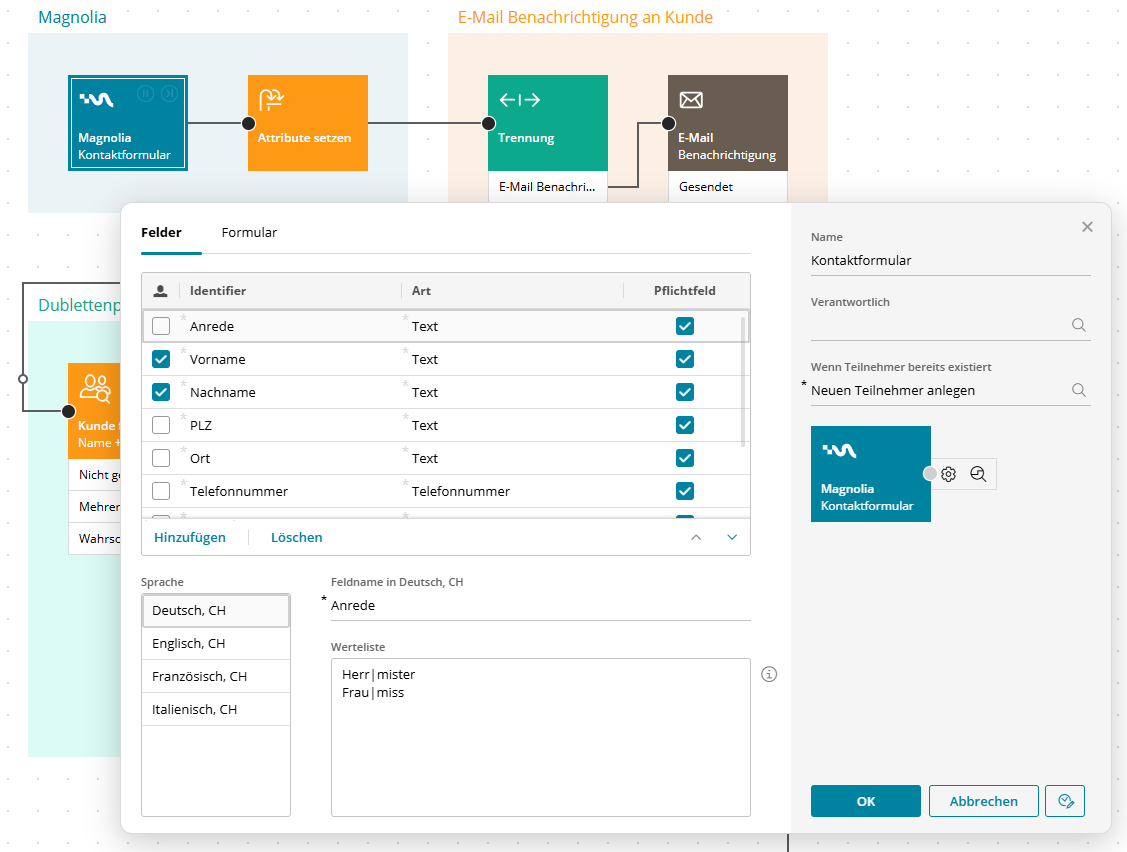
Editors create a story in BSI CRM and generate the matching form in Magnolia with a few clicks (generic forms), or build a custom form using Magnolia's standard Form module while the connector validates and maps the fields defined in BSI (free forms). In both cases, submitted data is sent automatically to BSI CRM — no manual step required.
Most important features:
- Generic forms — auto-generated Magnolia forms based on the BSI story definition, including fields and multilingual content, re-synced automatically on changes
- Free forms — full design freedom using Magnolia's Form module, with field validation and mapping against the BSI-defined fields
- Multi-step forms & custom validation — supported via the standard Magnolia Form module
- Automatic CRM sync — every submission (generic or free form) is written directly to BSI CRM, with no media disruption
Publisher
fastforward websolutionsLinks
Categories
Magnolia Version
- 6.4
Magnolia Edition
- DX Core
- DX Cloud
Price
- Paid
Screenshots