Migration
What is migration to Magnolia DXP?
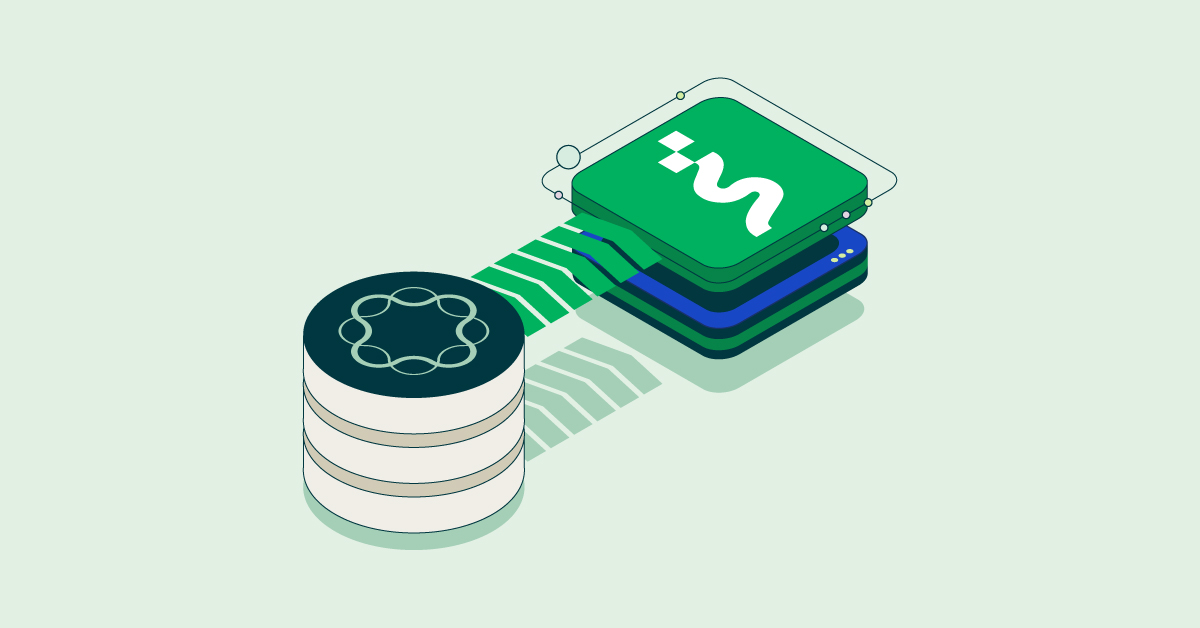
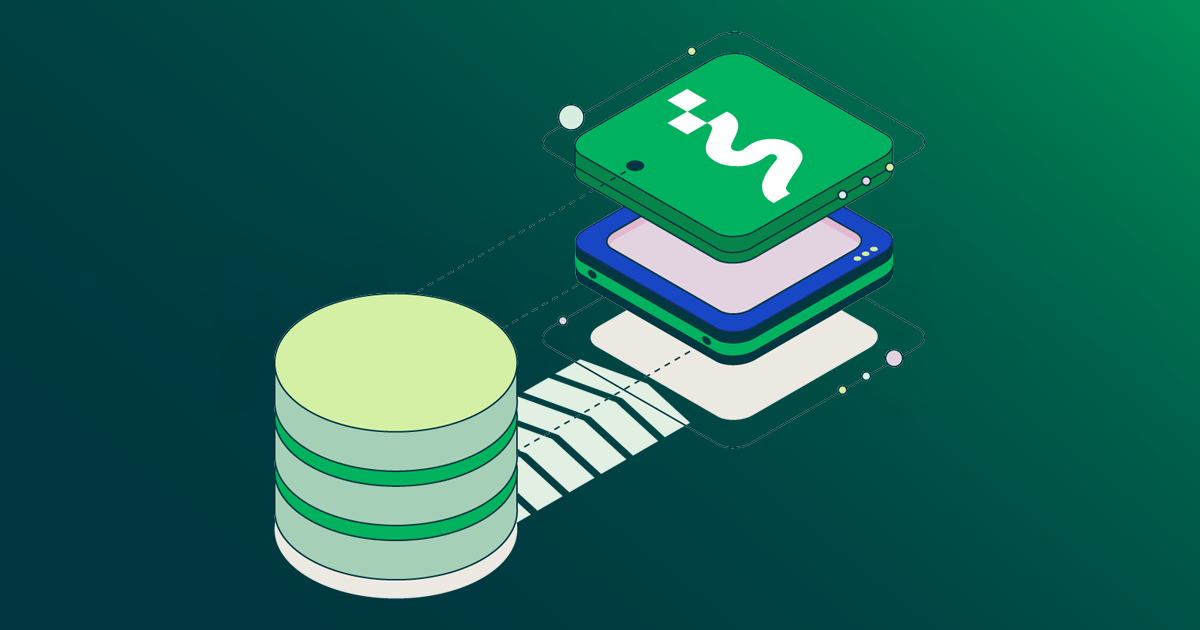
At Magnolia DXP, we define migration as moving your content, templates, integrations, and teams from a legacy CMS or Digital Experience Platform (DXP) onto Magnolia DXP in planned stages. You set the pace and the scope, and your teams keep publishing along the way. Magnolia DXP pairs a composable platform with a migration path that automates repeatable work and brings in experts where judgment matters.
Navigating your migration to Magnolia DXP
Welcome to the Magnolia DXP migration hub. A migration touches budgets, brand, and daily publishing, so you face a trade-off between moving fast and staying in control. We built this hub to help you do both.
Start with our expert guide to legacy CMS migration, which also points to our partner Noice's AI Migration Accelerator, and with why migrating to Magnolia DXP doesn't have to be a multi-year risk. See how Infosys automates AEM to Magnolia DXP migrations for a partner's view of automation. Our consulting team then shows the real total cost of ownership, explains why developers are seeking monolith alternatives, and shows how an agile CMS unlocks marketing velocity. For the architecture view, a Magnolia NEXT recap covers how Salling Group moved from monolith to services, and our [headless commerce for the enterprise post shows how to replace a legacy front end step by step with the Strangler Fig pattern. Moving off AEM or Sitecore? Our monolith migration hub goes deeper on that case.
Plan around your goals and the systems you keep
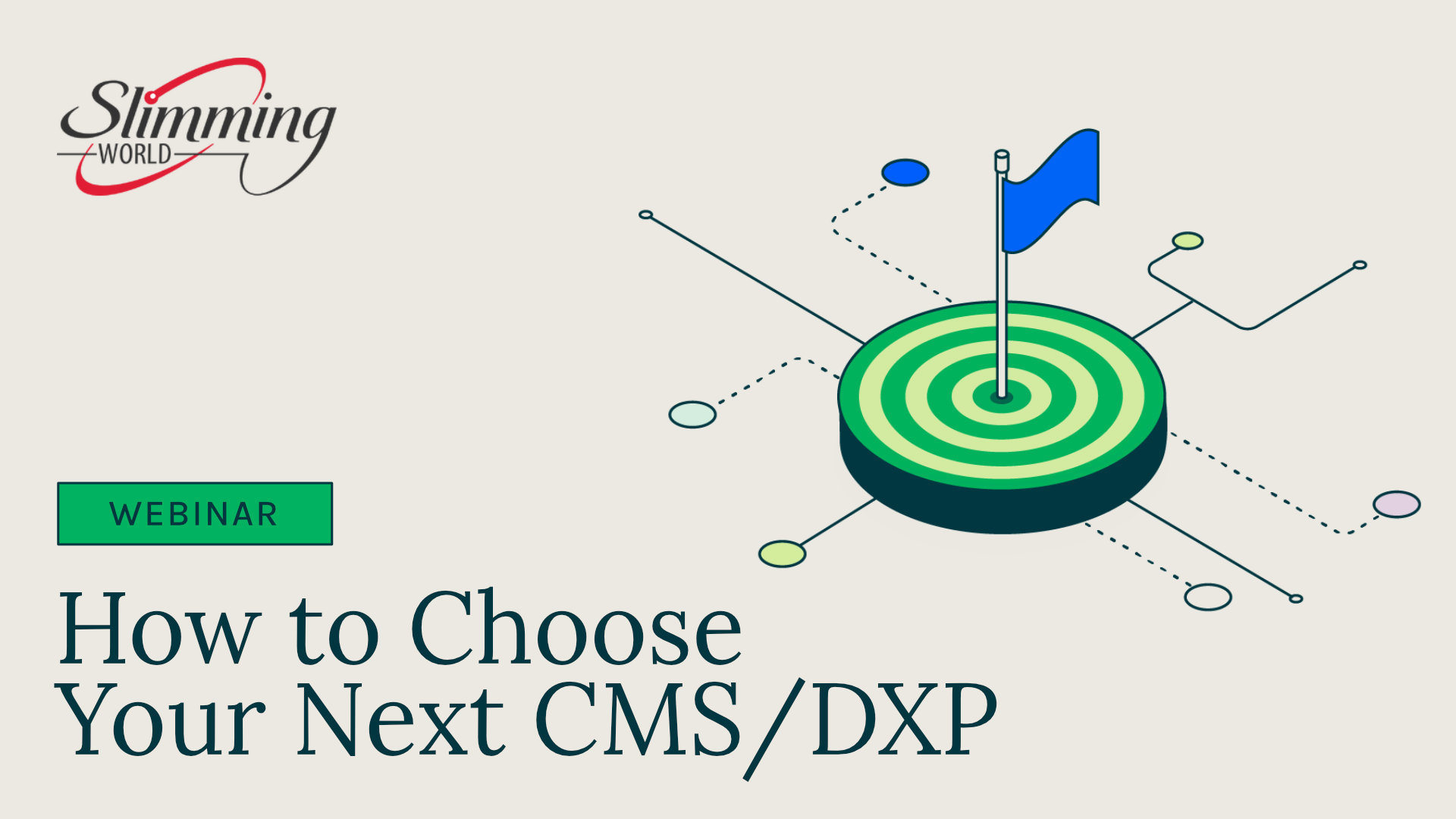
Start with your goals, not a feature list. Our expert guide to legacy CMS migration recommends defining your migration goals first. Magnolia DXP's composable architecture then lets you keep the systems that work. In our webinar How to choose your next CMS/DXP, our experts point out that five to 15 systems often feed a digital experience, so most projects aren't rip and replace. Our experts also advise narrowing your requirements to the top five to ten goals and testing your top two or three contenders with a proof of concept (PoC).
Customers have taken that path. Slimming World spent three to four months on selection and proofs of concept before it chose Magnolia DXP. In our webinar with Jabil, the manufacturer explains why it replaced AEM, and how familiarity with Magnolia DXP's Java base and authoring interface helped.
When you're ready to plan phases, use our AEM migration guide or our Sitecore migration white paper. The white paper walks through discovery and scoping, implementation, roll-out, and expansion, and covers four types of testing: integration, security and penetration, SEO redirects, and performance and load.
Automate repeatable work with Magnolia Navigator and partner tools
Magnolia Navigator is our migration program: software paired with expert support. Its tooling handles repeatable work such as code translation and content mapping, using automation and AI assistance built on third-party models. Magnolia experts handle custom logic, integrations, and fine-tuning. In a proof of concept described in our Navigator post, Navigator reached 1:1 visual parity in two iterations on average, and about half of templates migrated on the first automated pass.
Partners bring tools of their own. The Infosys CMS Automigrator works through assets, content, code, and page authoring in that order. In its article, Infosys reports migrating 300 to 400 pages and more than 10,000 assets per day, and consolidating 250 to 300 components into 65 to 70. Noice offers its AI Migration Accelerator.
Scale shows the approach works. Sanofi converted more than 300 websites onto Magnolia DXP, including 70 sites with more than 7,000 pages in under two months. Helloworld Travel migrated about 400 microsites and 280,000 pages in three months, as shown in our Sitecore migration white paper. R+V24 moved 650 text pages and more than 2,000 files off its unmaintained Teamsite CMS.
Migrate in phases and keep publishing
Magnolia DXP lets you move one site, one region, or one layer at a time. For storefronts, our headless commerce for the enterprise post describes the Strangler Fig pattern in three phases: marketing pages first, then product catalogs, then checkout and account portals. The legacy transaction engine keeps running throughout. For the architecture behind it, see how Salling Group moved from monolith to services.
Customers show what phasing looks like in practice. Texas State University rolled out department by department, moving more than 300 websites. It added new features monthly, and the first new departmental site went live within a few months. R+V Versicherung ran its old and new systems in mixed operation, so visitors noticed no changeover. Migros piloted with its main corporate website within six months, working with partner Aperto. Meliá Hotels International trained roughly 350 hotels and 500 users within about a month of go-live.
Launch teams that move faster after go-live
A migration pays off when your teams publish faster. In From handcuffed to empowered, we cite an Infosys study in which 90% of marketers surveyed were dissatisfied with monolithic CMS platforms. A client that moved from Sitecore to Magnolia DXP created and deployed pages five to ten times faster. MOO editors create pages seven times faster, and developer time spent on new pages fell by 90%.
Developers gain control too. As we explain in why developers are seeking monolith alternatives, Magnolia DXP offers a command-line interface (CLI) and low-code YAML configuration. At Helan, multi-site refactoring took three weeks against a four-month estimate, and the Product Owner estimates integrators gained at least 30% of their time. Nolte Küchen runs seven language markets from one dashboard. Air Canada Vacations works with partner Solutions CTC under a multi-year support retainer. Stadtwerke München, whose authors once needed at least a week of training, reports that training and administration costs dropped sharply.
Featured migration resources
Plan and de-risk your move with our guides and migration offer:
The migration offer: See how Magnolia Navigator combines automation, AI assistance, and expert support on our AI-powered migration page.
The AEM guide: Choose between a standard migration and a hybrid architecture in Migrate from Adobe Experience Manager (AEM) to Magnolia.
The Sitecore white paper: Follow each phase from discovery to expansion in Plan your migration from Sitecore XP to Magnolia DXP.
The monolith deep dive: Explore why enterprises leave AEM and Sitecore, and what enterprises gain, in our monolith migration hub.