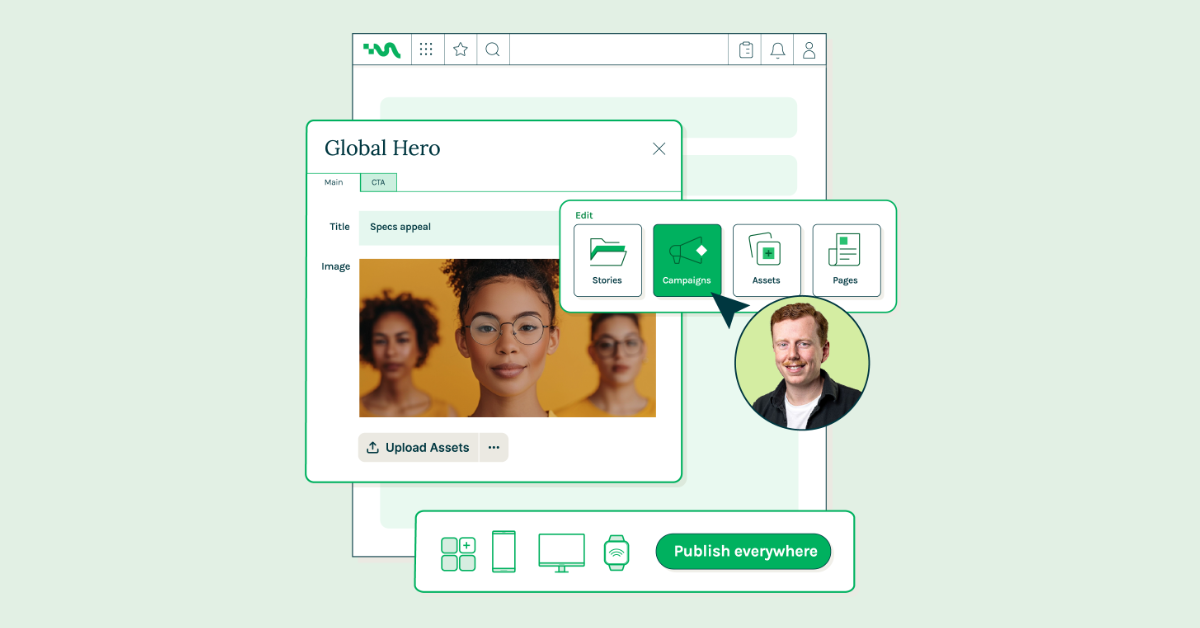
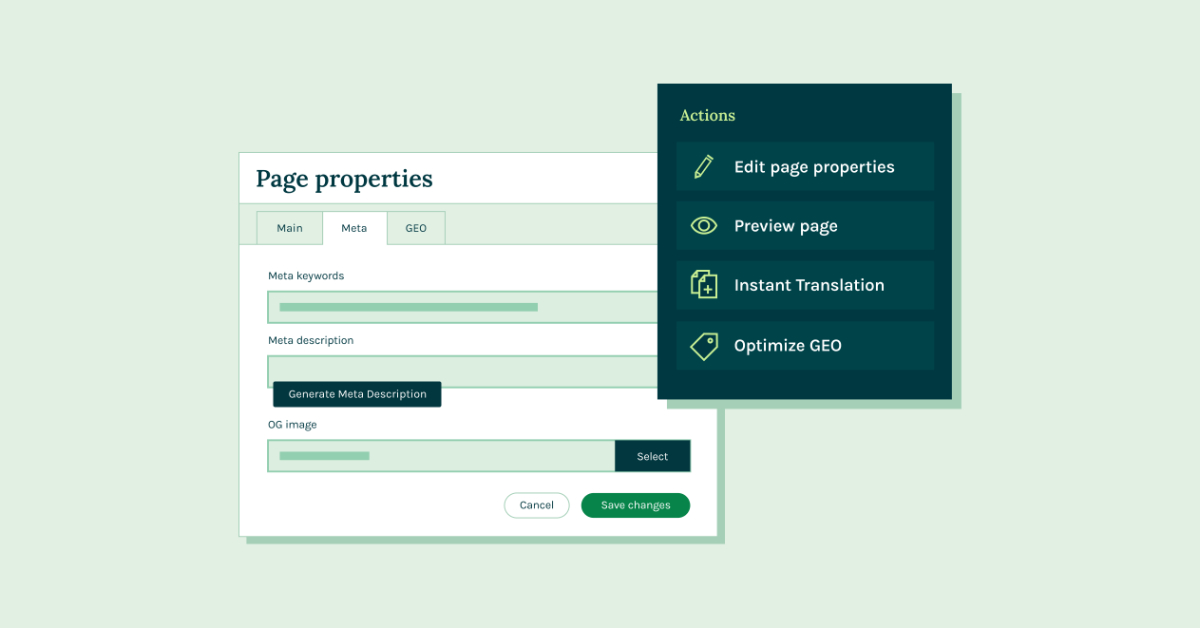
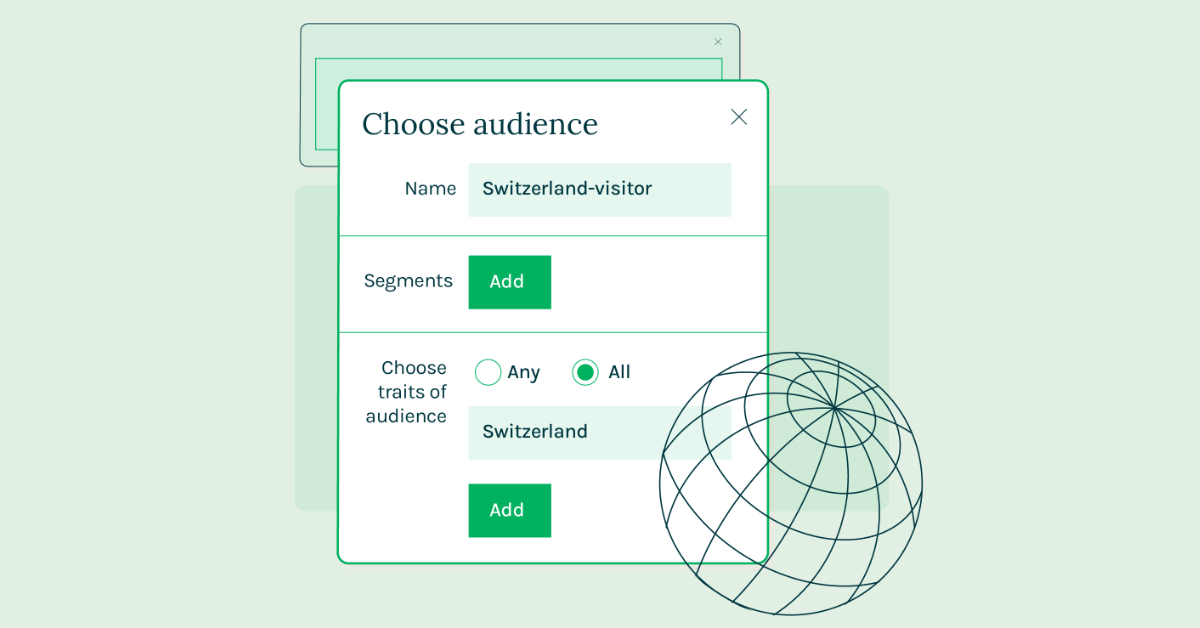
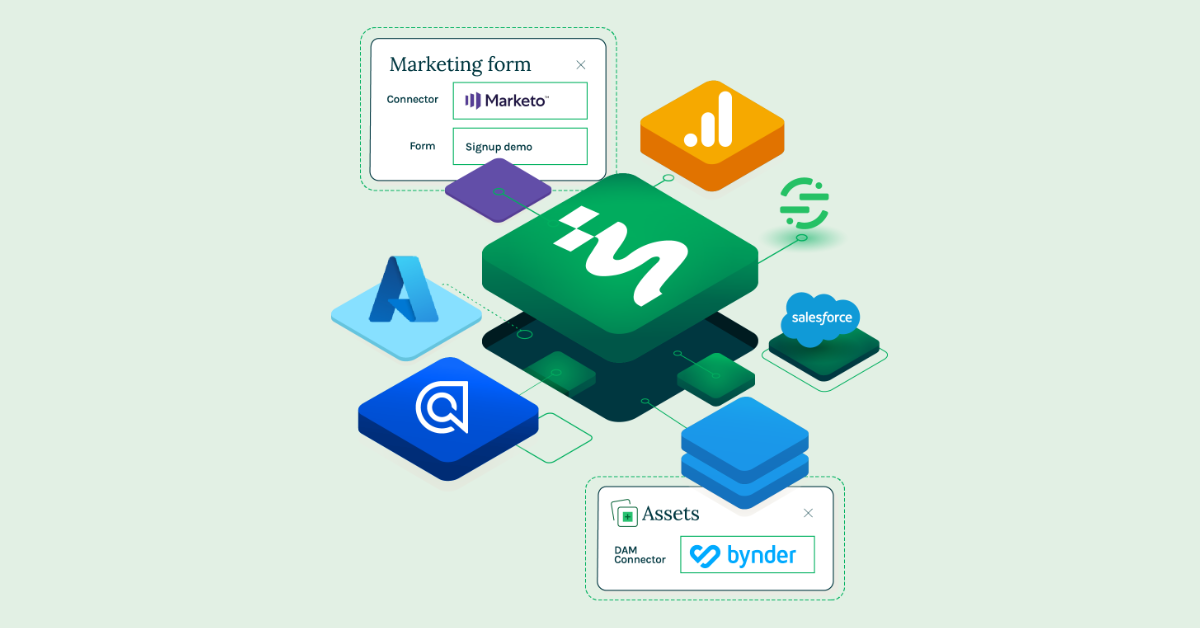
Magnolia’s Agentic DXP uses Magnolia Renivo as an AI layer for content management, governance, and enterprise workflows. The assistant opens with actions such as summarizing documents, analyzing SEO, finding older pages, and prioritizing work. It understands the page currently open in the composer, shows its intended plan and tool usage before acting, and reports traffic, engagement, trends, changed fields, locales, and character counts. Renivo respects user permissions, identifies the active model and supported providers such as OpenAI, Anthropic, and AWS Bedrock, and records prompts, tool calls, and edits for administrators. Proposed changes remain unsaved until a user approves them. In Magnolia, a user can ask Renivo to create a page such as “Summer sale 2026” under Campaigns, change a hero headline to “Sunny savings,” or delete and move content with approval and versioning. Doc to Page converts uploaded Word documents or pasted text into draft pages using approved layouts and components. The same conversational workflow edits content apps, runs AI-assisted field actions such as rewriting and SEO description generation, and turns pasted drafts into blog stories with planned fields and blocks, rendering checks, previews, version comparisons, and one-click publishing after approval. The demo also shows content optimization and asset workflows. A user can select Optimize SEO to generate meta keywords, meta descriptions, and Open Graph images, or use Optimize GEO to create editable JSON-LD schema.org data, voice summaries, and page entities for answer engines and AI assistants. Quick translate works at page, area, and component level while preserving the layout for review. The asset library connects external DAM systems and includes an AI Image Editor with a canvas, dimensions, background, layers, uploads, generated images, model selection such as FLUX Pro Kontext, prompt templates, reference images, variations, and version saving. Uploaded assets receive generated tags, alt text, and descriptions that remain editable before saving. For personalization, users generate component variants for selected segments, review fields such as eyebrow, title, description, and body, and preview the draft as that segment sees it. Brand profiles define tone, preferred terms, and excluded terminology, while Translation profiles manage language glossaries, fixed renderings, untranslated terms, and case sensitivity. These rules are tested before saving and apply wherever Renivo works with content, under human approval and Magnolia governance.